 Download
Deleted Picture Recoveryr
1.0.0 January 22, 2026- 7.8
- 1
- 2
- 3
- 4
- 5


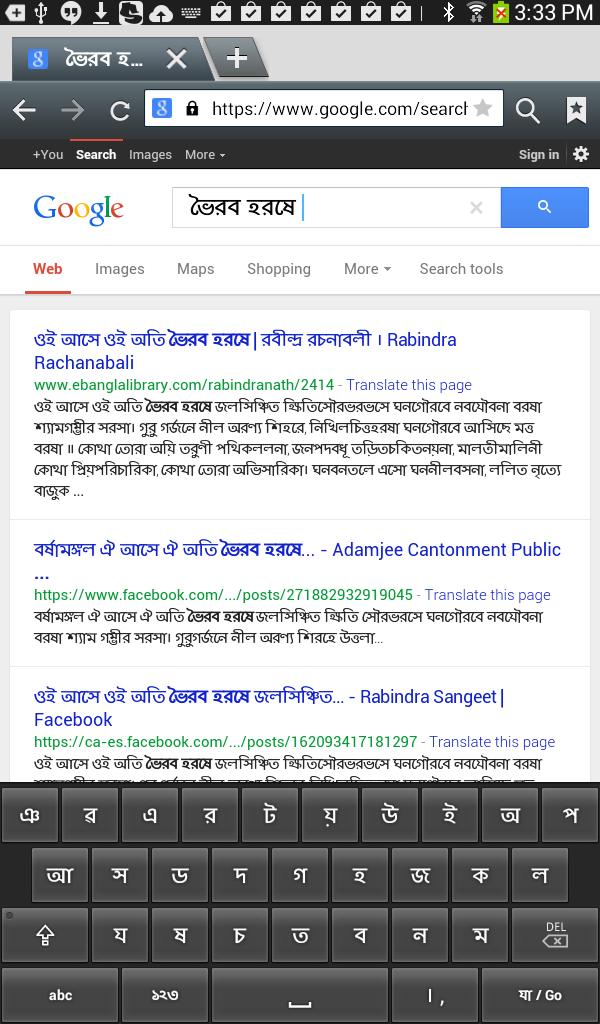
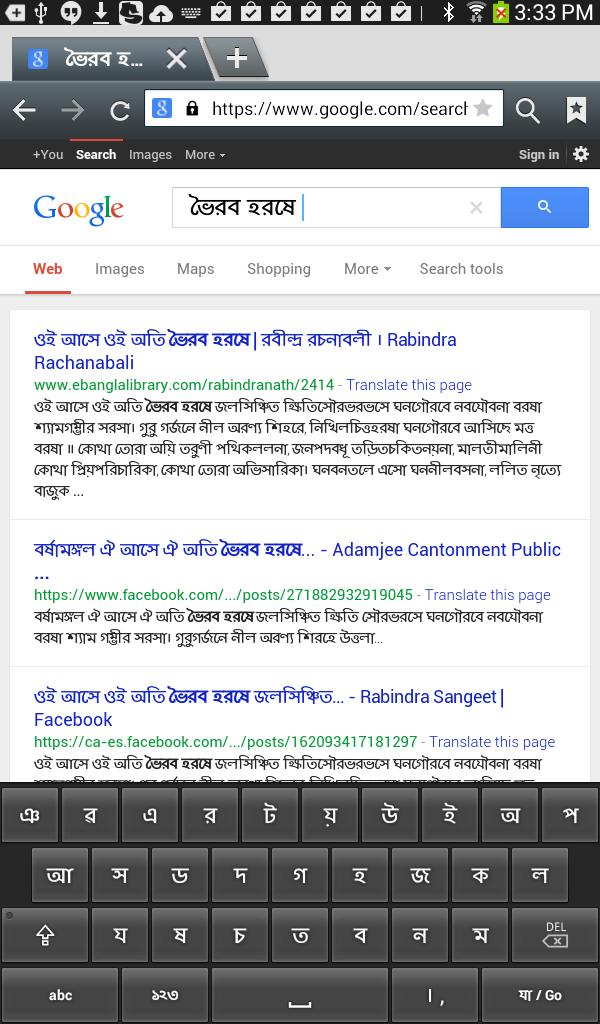
A Bangla Keyboard using the Bangla phonemes
Please Read the following description completely before you start using the Nobolipi Lite Keyboard. This App is for typing Bangla for the devices with Android 4.0 and up. Please do not rate this App if your device does not support Bangla fonts natively, or if you do not comprehend the phonemic way of writing Bangla as described in the examples below. This App itself does not deal with those issues. You may look at http://www.nobobangla.com/ in case you need more help in understanding how to write Banlga using Bangla phonemes.
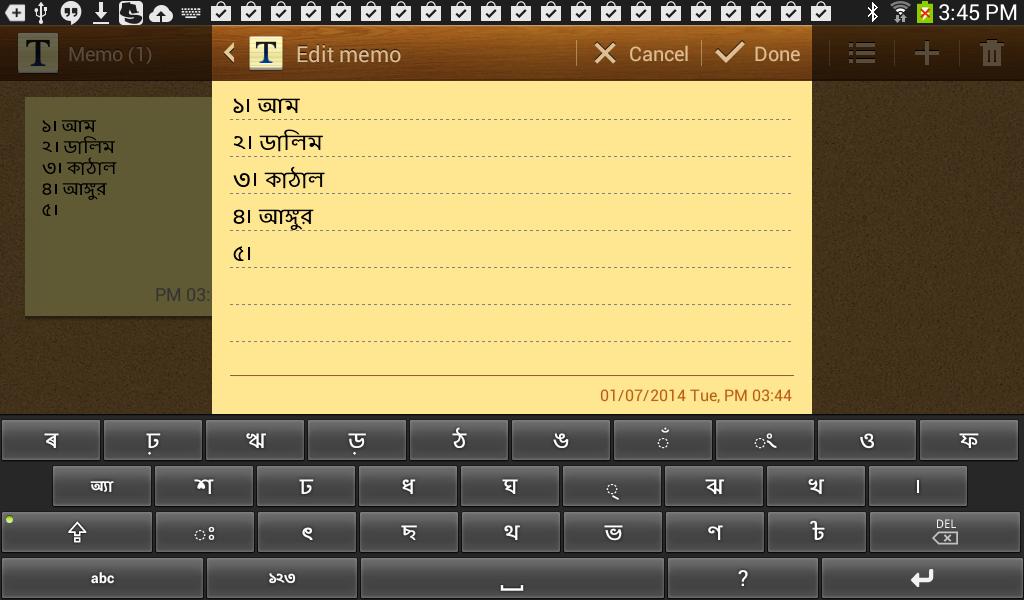
‘Nobolipi Lite Bangla Keyboard’ is an innovative way to type Bangla using the Bangla phonemes. It is simple, has fewer keys and does not use the ‘Pholas’ or ‘Kars’ (i.e. no diacritic keys). It is intuitive and it makes linguistic sense. To type any Bangla word, its constructive phonemes are just typed in, in a progressive manner. The Keyboard includes the extra two Assamese letters to support the Assamese Script along with Bangla.
The ‘Nobolipi Lite Bangla Keyboard’ includes the English keyboard as well for quick and easy shuffling between Bangla and English typing back and forth.
After installing to activate the App, go to Settings->'Language and input', and then tick on 'Bangla Nobolipi Keyboard' in the Keyboards and input methods section. To choose the Nobolipi Bangla Keyboard for typing, long press any text field, a tiny keyboard icon will appear in the notification bar along with the current default keyboard. Click on 'Choose input method' after expanding the notification bar, then select 'Bangla Nobolipi Keyboard' as your default input method to use it.
Practice the following words first to get the hang of ‘Nobolipi Lite Bangla Keyboard’. Type in the keys at the left to get the word in the bracket:
আকআশ (আকাশ)
অজঅগঅর (অজগর)
ইইগঅল (ঈগল)
কলআস (ক্লাস)
নউউতঅন (নূতন )
ওইরআবঅত (ঐরাবত )
কওউশঅল (কৌশল)
কঋষঅক (কৃষক)
জঞআন (জ্ঞান)
সঅকখঅম, সঅকষঅম (সক্ষম)
উ ঁচউ(উঁচু )
দবইতইইয়ও (দ্বিতীয়ো )
সঅতয়ই, সঅতযই (সত্যি )
অনয়আয়, অনযআয়, অনঅ্যায় (অন্যায়)
Here are a few important points on the ‘Nobolipi Bangla Keyboard’:
a) Press the key 'abc'/’কখগ’ to toggle between the Bangla and the English keyboards, and then use the SHIFT key to pick the letter as required. Press the key ‘123’/’১২৩’ to toggle between the English and the Bangla numbers keys.
b) A word is typed in a progressive manner, that is the constructive Bangla consonant and vowel phonemes are typed in progression as it sounds. For Example, to type ‘কে’ the keypads which must be pressed in sequence are ‘কএ’, and such.
c) Only the letter forms of the vowels are used for the keypads, the Keyboard IME engine figures it out whether to put the diacritic form (‘phola’ or ‘kar’) or the letter form. If the user wants to force the letter form of a vowel right after a consonant, for example, he just needs to press the ‘অ’ key in between the two.
d) The four diphthong vowels (whether in letter form or in kar/diacritic form) are typed in by their constituent vowel keys as: a) ঈ = ইই, b) ঊ = উউ, c) ঐ = ওই , and d) ঔ = ওউ
e) If two or more consonant keys are typed consecutively without any vowels in-between them, those consecutive consonants form a conjunct ( or ‘zuktakkhor’). To write two or more consecutive consonants without making it a conjunct, the key ‘অ’ must be typed in-between the consonants.
f) A long press on the SPACE key provides a convenient way to switch between the input methods if needed. The 'Dari' and 'Comma' is on the same button of the Keyboard, a double touch on that button produces the Comma.












 Action Adventure
 Simulated Business
 Role Playing
 Sports Competition
 Casual Puzzle
 Card Strategy
 Music Rhythm
 Word Puzzle
 Flight Shooting
 Love Development
 Business Office
 Communication and Social
 Lifestyle and Entertainment
 Online Shopping
 Utility Tools
 Travel Travel
 Finance
 Education Learning
 Information Reading
 Sports and Health