 Download
Deleted Picture Recoveryr
1.0.0 January 22, 2026- 7.8
- 1
- 2
- 3
- 4
- 5


Save My SMS is an export utility that archives text messages to email or storage
Don’t let yourself regret not saving a heart-bound message from a loved one! Do you keep text messages from your boss as proof of evidence or need to substantiate a promise made by someone special? If so, you need to save these texts in a safe location away from your smartphone! Backing up or exporting your text messages is good practice in general but if your SMS box is reaching unmanageable sizes then exporting your text messages would allow you to delete some or all texts from your smartphone.
Save My SMS is a free export utility that archives text messages to email or storage location of your choice. It allows you to create a vault of archived text messages in different formats.
Advanced features such as, exporting to different files formats and exporting by thread are now available in the premium edition of the app. Selecting individual threads as suggested by popular requests, exporting to user selected locations (SD card included), exporting threads into a number of different formats namely, plain text, JSON or HTML and easy to use User Interface.
How do you use Save My SMS?
After you install Save My SMS locate the app’s red and orange icon in your Apps library. First time users should go to settings and set an email and location to be used during the export operation. Also, first time users are asked to allow the app permission to access text messages and device storage. Users should press the allow option to these prompts. Repeat usage of the app will not prompt users again for access permissions. The app does not gain permission to alter or modify text messages or contacts – it is granted only read/view permissions!
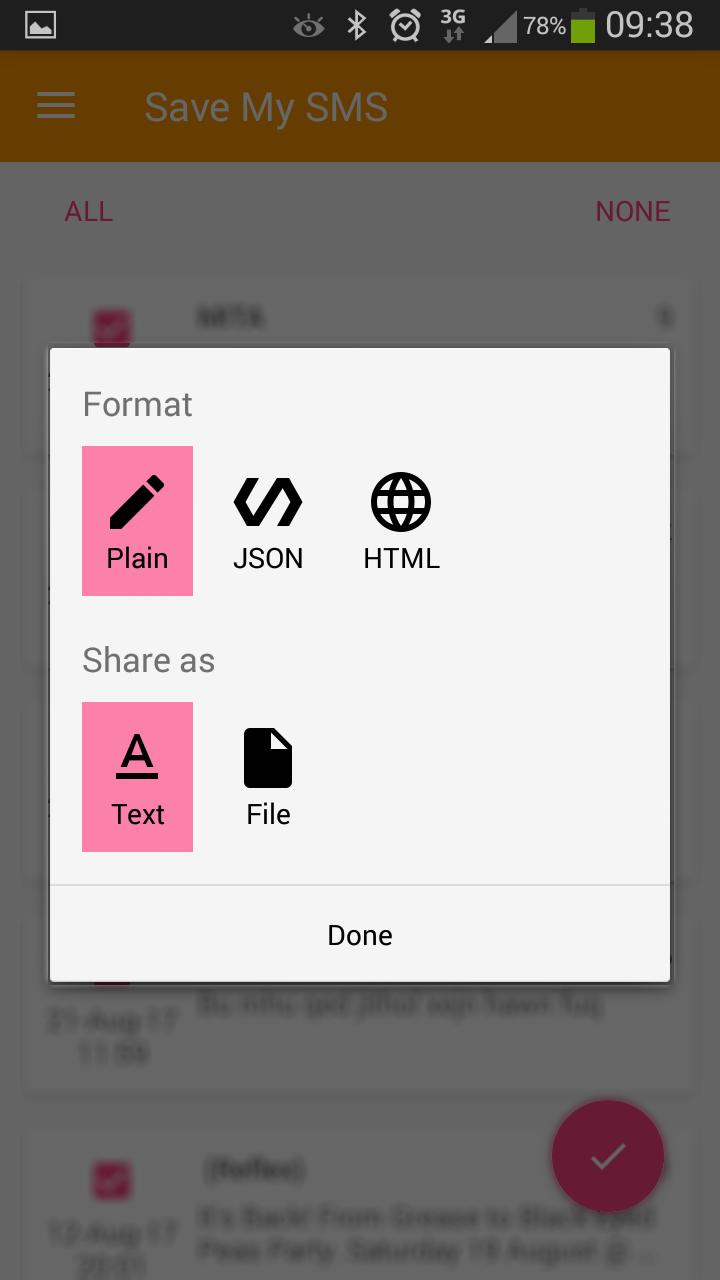
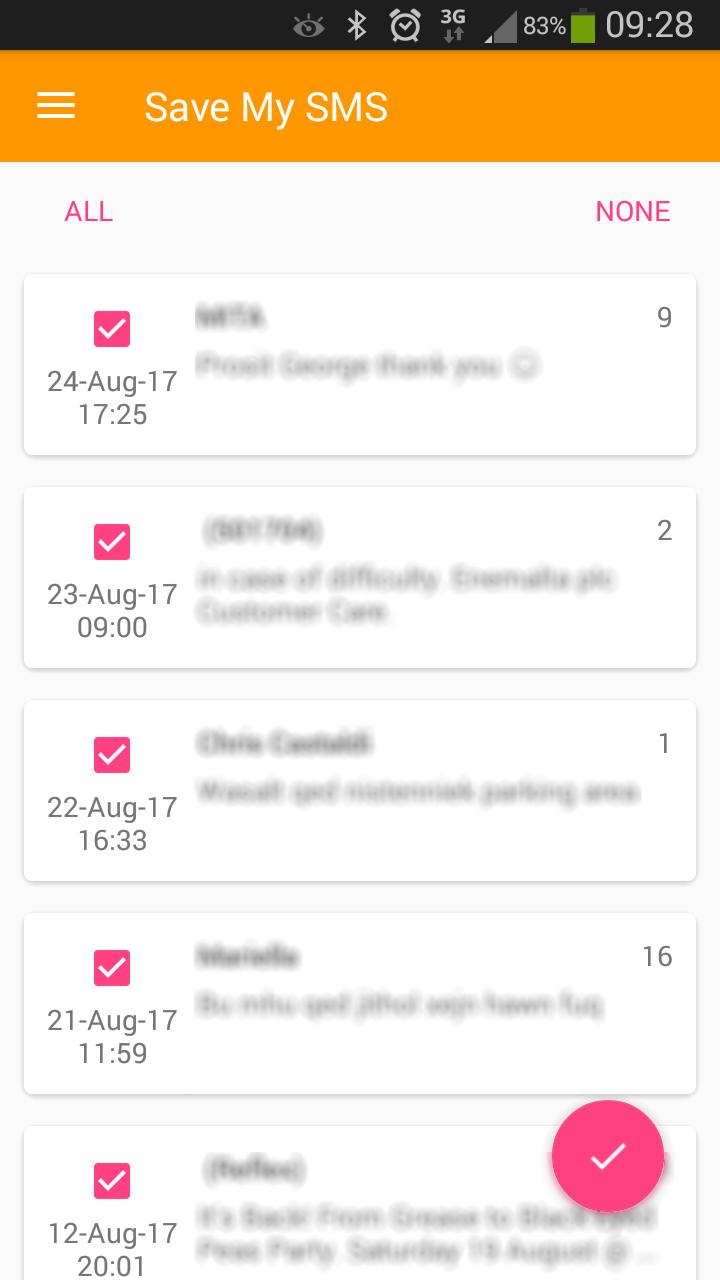
Once the settings are done, you can start exporting text messages. From the main screen confirm that all threads are checked and if not, tap on the ‘ALL’ at the top left side of the screen to select all threads. Then, tap on the arrow symbol inside the pink circle at the bottom right side of the screen. Next either select ‘Text’ to export text messages via email or ‘File’ to store text messages in a file on your smartphone, and hit ‘Done’.
The ‘Text’ option allows you export text messages externally via email and other third-party apps installed on your device. Note: not all apps can take the exported content, so it is suggested to use an email app such as, Gmail. Upon choosing Gmail, the app loads your Gmail app exporting all text messages inside an email message. Finally, hit the arrow button (send) to send the email. Note: you can verify that the correct email address is automatically set in the To: line or change it as required.
The ‘File’ option allows you to change or confirm the set destination location, press ‘Confirm’ to continue. A final prompt asks you to save the file externally if you wish in addition to saving it on your smartphone, otherwise hit ‘NO’.
How do you set the email address?
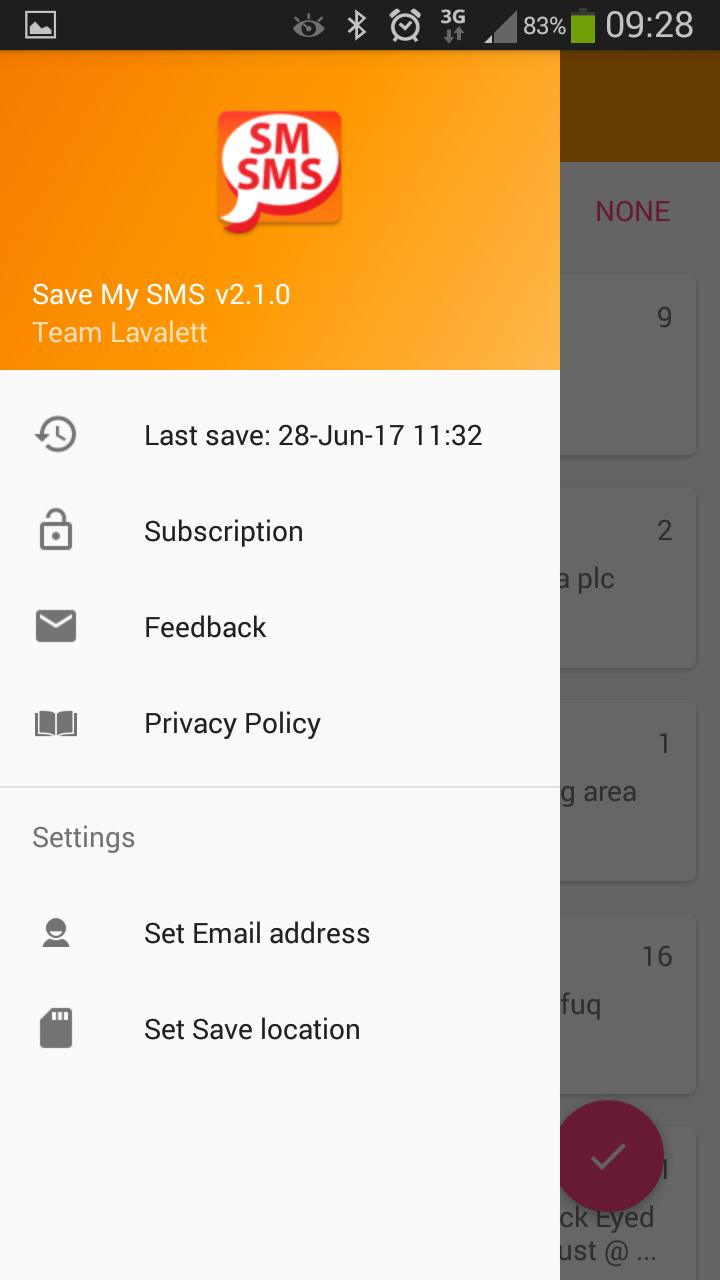
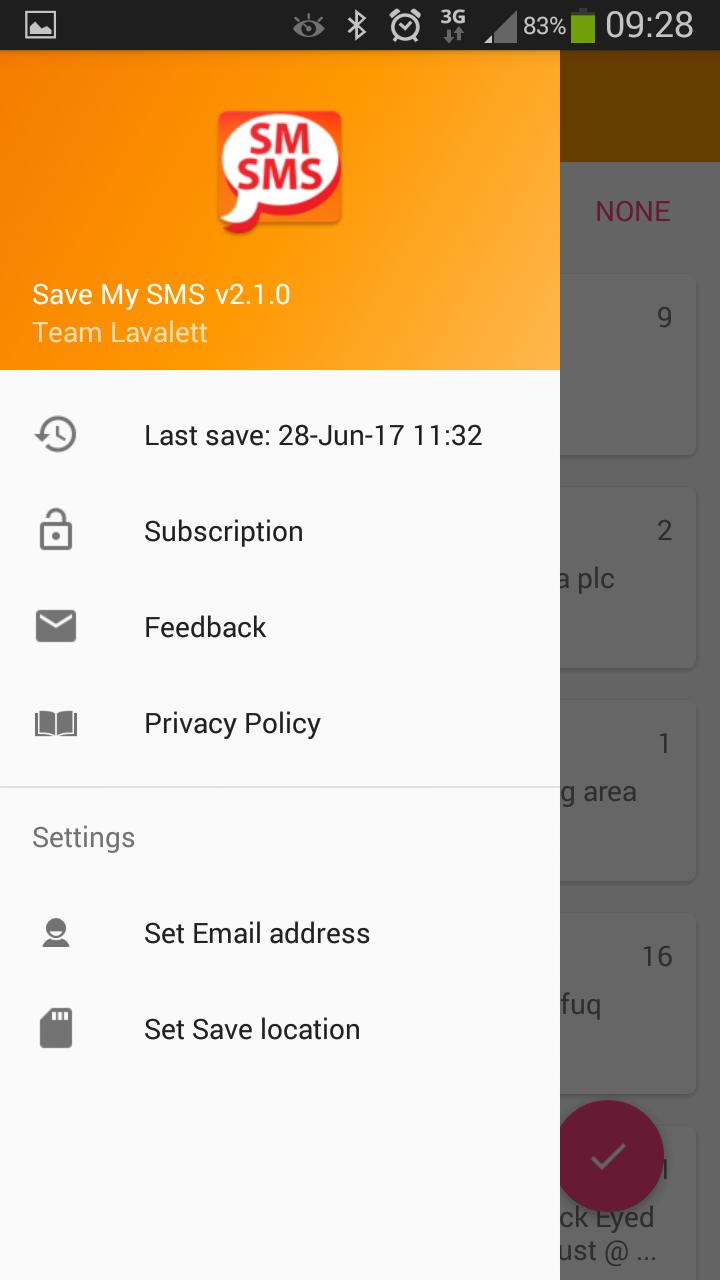
From the app settings menu select ‘Set Email address’ and type in your preferred email address. Press “DONE” to save the changes or keep the same address.
How do you set the destination storage location on your smartphone?
From the app settings menu select ‘Set Save location’ and tap on the arrow at the top left side corner and adjacent to the text indicating the current folder location. Select the folder and sub-folders as desired and press “CONFIRM” to save the changes or “CANCEL” to keep the same folder location.














 Action Adventure
 Simulated Business
 Role Playing
 Sports Competition
 Casual Puzzle
 Card Strategy
 Music Rhythm
 Word Puzzle
 Flight Shooting
 Love Development
 Business Office
 Communication and Social
 Lifestyle and Entertainment
 Online Shopping
 Utility Tools
 Travel Travel
 Finance
 Education Learning
 Information Reading
 Sports and Health