• Home
  • Games
    Action Adventure Simulated Business Role Playing Sports Competition Casual Puzzle Card Strategy Music Rhythm Word Puzzle Flight Shooting Love Development
  • Apps
    Business Office Communication and Social Lifestyle and Entertainment Online Shopping Utility Tools Travel Travel Finance Education Learning Information Reading Sports and Health
  • Articles

English 中文(简体) 中文(繁体) 한국어 日本語 Português Español Русский العربية Indonesia Deutsch Français ภาษาไทย
Home Apps Business Office Nom Keyboard (Chu Nom Editor)
Nom Keyboard (Chu Nom Editor)
Nom Keyboard (Chu Nom Editor)Download
1
2
3
4
5
7.1

Zombie Gunship Survival

  • Version 0.28
  • Category Business Office
  • Package Name com.sevenmicro.android.nomkeyboard
  • Update Time October 8, 2025
  • Size 12.75MB
About this app

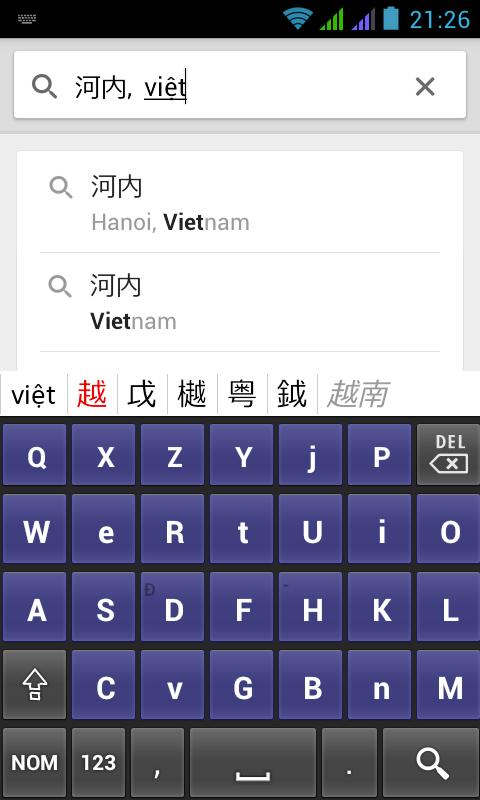
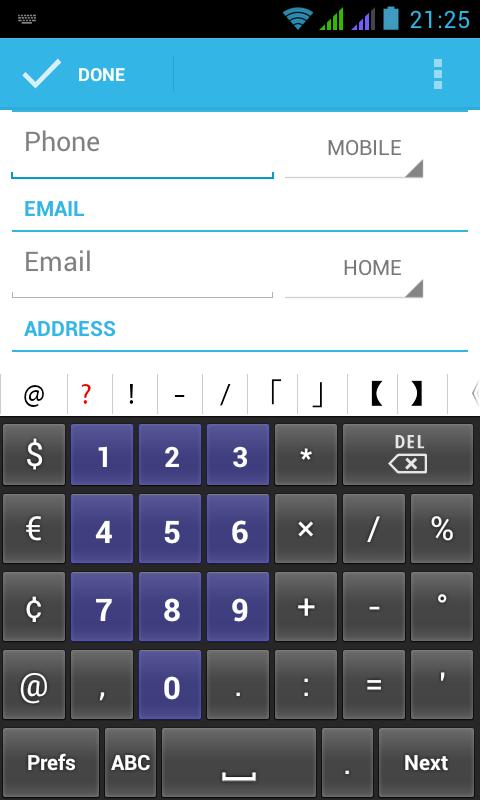
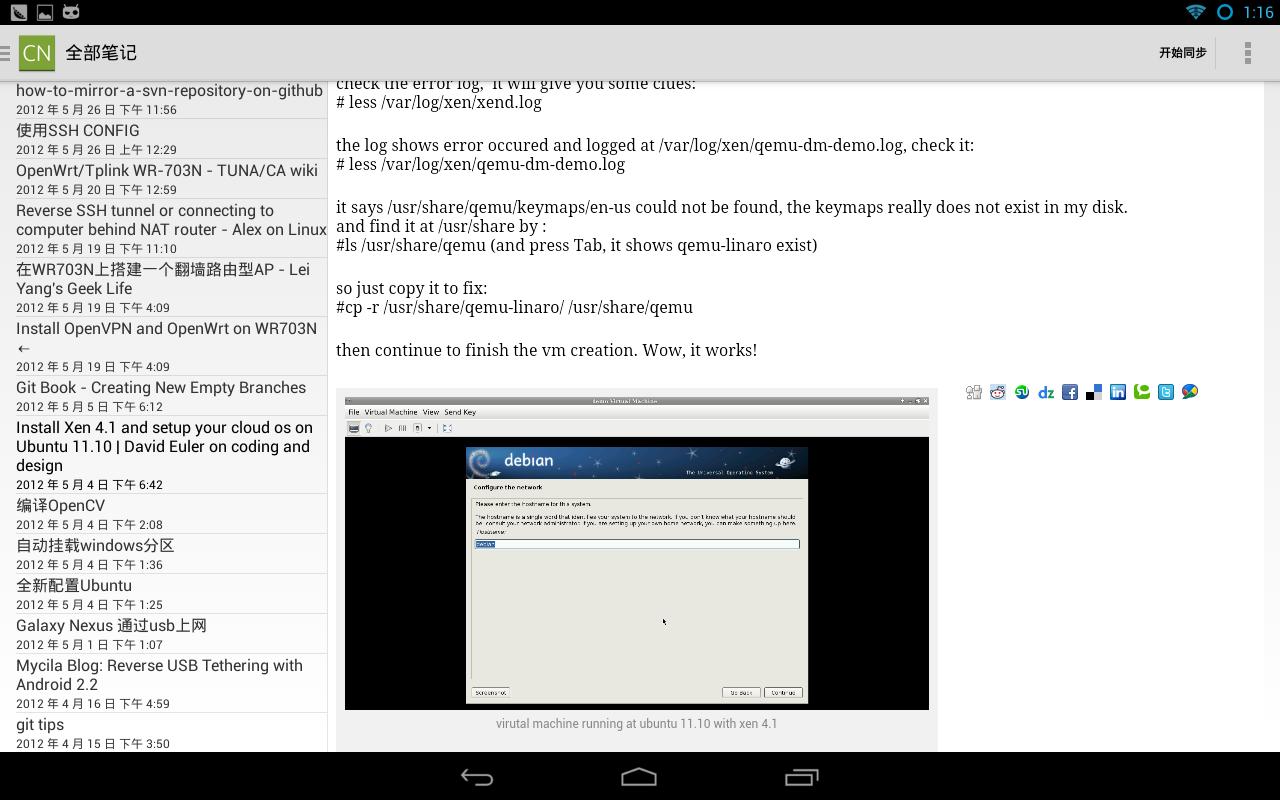
A keyboard for typing Vietnamese in Chu Nom and Quoc Ngu.

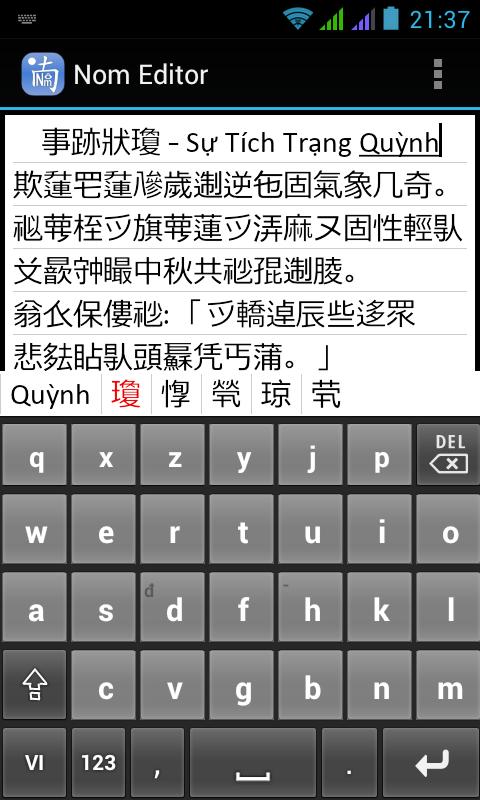
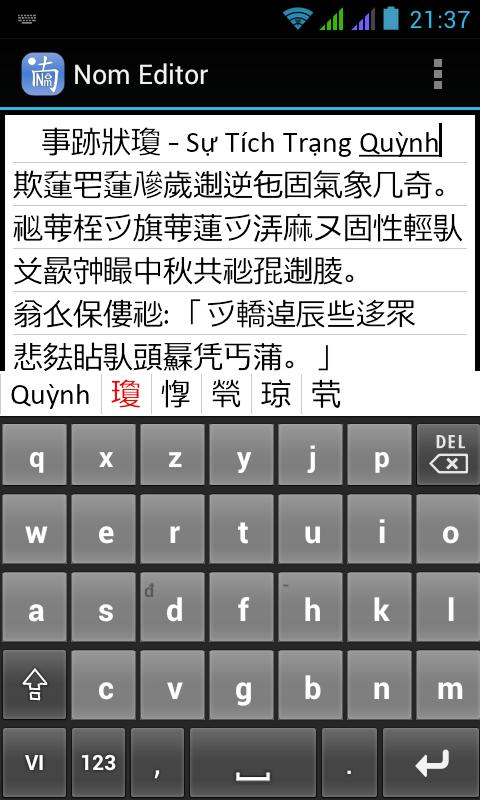
This is a two-in-one app: A Nom Keyboard and a Nom Editor.

* Nom Keyboard enables you to type Vietnamese characters (Chữ Nôm) on your mobile phone.

* Nom Editor is a text editor that can display Chu Nom characters by default.

INSTALLATION

After installing Nom Keyboard, open the app "Nom Editor" and open the menu, then choose Keyboard activation. Follow the steps to activate the keyboard on your mobile phone. Essentially the first step is activating the keyboard in the phones preferences. Step two is switching the currently used keyboard to Nom Keyboard.

Switching from and to Nom Keyboard

After enabling the keyboard you can use it whenever you need to type Chu Nom. In any application where you can enter text you have the option to switch to Nom Keyboard to type Chu Nom. Of course you can switch back to another keyboard the same way. There are two methods to do so, depending on your phone. On newer android phones, after the normal keyboard opens, slide down the status bar from the top of the screen and touch the entry that says "Choose Input Method" and choose Nom Keyboard. (On older android phones, just long press the input area instead to get a selection of keyboards)

Displaying NOM characters on Android

Nom Keyboard allows you to type Nom characters, but it DOES NOT enable your phone to also display Nom characters. Therefore it installs together with a Nom Editor. Use Nom Editor to display Nom characters.

Alternatively you can use a third party editor that lets you configure a custom font from SD card. Nom Keyboard copies a Nom font to your SD card (in the /NomKeyboard directory) when first used. You can then use any text editor that allows you to use a custom font from SD card, some examples are:

* Jota Editor

* 920 Text Editor

* Simple Notepad

* TED

Just configure these editors to use the font on your SD card under $sdcard/NomKeyboard/han-nom-gothic.ttf.

Visit the website!

http://www.chunom.org
What's New in the Latest Version 0.28

Last updated on Oct 19, 2015 Context menu fixed
Screenshots
Nom Keyboard (Chu Nom Editor)
Users also viewed
  • Xoom Browser

    Xoom Browserr

    1.8 December 1, 2025
    8
    1
    2
    3
    4
    5
  • Car Animation

    Car Animationr

    1.1 November 27, 2025
    9.4
    1
    2
    3
    4
    5
  • Event Tracker

    Event Trackerr

    1.1 November 27, 2025
    9.5
    1
    2
    3
    4
    5
  • My Private Network: Secure & Fast VPN Manager

    My Private Network: Secure & Fast VPN Managerr

    5.4.4 November 26, 2025
    8.4
    1
    2
    3
    4
    5
  • Zebra ZQ110

    Zebra ZQ110r

    1.0.0 November 25, 2025
    7.2
    1
    2
    3
    4
    5
  • Desain Pagar dan Taman

    Desain Pagar dan Tamanr

    1.0 November 25, 2025
    8.9
    1
    2
    3
    4
    5
  • Anti-Procrastination Project

    Anti-Procrastination Projectr

    1.1 November 25, 2025
    9.4
    1
    2
    3
    4
    5
  • iCloud Calendar SyncWorkaround

    iCloud Calendar SyncWorkaroundr

    1.3 November 23, 2025
    8.9
    1
    2
    3
    4
    5
  • HAFAS 2017

    HAFAS 2017r

    1.2.2 November 22, 2025
    8.9
    1
    2
    3
    4
    5
  • France TV : direct and replay

    France TV : direct and replayr

    1.0 November 21, 2025
    7.2
    1
    2
    3
    4
    5
You may also be interested
  • Solar 2 Demo

    Solar 2 Demor

    1.25 December 1, 2025
    9.1
    1
    2
    3
    4
    5
  • Knight's Glory

    Knight's Gloryr

    1.0 December 1, 2025
    8.6
    1
    2
    3
    4
    5
  • Net Walk

    Net Walkr

    1.5 December 1, 2025
    8.5
    1
    2
    3
    4
    5
  • Dragon Mod Minecraft PE

    Dragon Mod Minecraft PEr

    1.2 December 1, 2025
    8.9
    1
    2
    3
    4
    5
  • Infinite Hurdle Death Run

    Infinite Hurdle Death Runr

    1.0 December 1, 2025
    8.3
    1
    2
    3
    4
    5
  • Subway Chaves Run

    Subway Chaves Runr

    1.0 December 1, 2025
    9.4
    1
    2
    3
    4
    5
  • Awesome Missiles Strike

    Awesome Missiles Striker

    3.2.0 December 1, 2025
    9.2
    1
    2
    3
    4
    5
  • Numerity

    Numerityr

    1.1.5 December 1, 2025
    9
    1
    2
    3
    4
    5
  • Perfect me: gangsta!

    Perfect me: gangsta!r

    1.1 December 1, 2025
    9.3
    1
    2
    3
    4
    5
  • Driving in Truck

    Driving in Truckr

    1.0 December 1, 2025
    7.9
    1
    2
    3
    4
    5
Categories Games
  • Action AdventureAction Adventure
  • Simulated BusinessSimulated Business
  • Role PlayingRole Playing
  • Sports CompetitionSports Competition
  • Casual PuzzleCasual Puzzle
  • Card StrategyCard Strategy
  • Music RhythmMusic Rhythm
  • Word PuzzleWord Puzzle
  • Flight ShootingFlight Shooting
  • Love DevelopmentLove Development
Categories Apps
  • Business OfficeBusiness Office
  • Communication and SocialCommunication and Social
  • Lifestyle and EntertainmentLifestyle and Entertainment
  • Online ShoppingOnline Shopping
  • Utility ToolsUtility Tools
  • Travel TravelTravel Travel
  • FinanceFinance
  • Education LearningEducation Learning
  • Information ReadingInformation Reading
  • Sports and HealthSports and Health
About Privacy Policy Terms of Service Cooking Policy

© Copyright 2017-2025 downtj.com